

For many of us, a great watch deserves great photography — whether to show off dial details, capture finishing, or share wrist shots with fellow collectors. That’s why we’re excited to introduce the Horo-Photo Loupe Set, produced for Delugs, by Eagle Eye Watches.
The Horo-Photo Loupe Set is designed to elevate smartphone photography of watches, putting macro-level detail and consistent lighting within easy reach. The set combines precision optics, adaptive lighting and practical mounting — everything you need to capture your timepiece in the best possible light.

Who It’s For — And Why It Works
The Horo-Photo Loupe Set is ideal for:
-
Collectors looking to showcase new acquisitions with professional-looking photos.
-
Enthusiasts documenting intricate details, like movement finishing or dial patina.
-
Content creators and social-media contributors who emphasise detail and aesthetic consistency.
Thanks to the macro loupe and ring-light lighting, you’ll get crisp close-ups with minimal distortion — a big step up from standard phone macro modes. The waterproof case and portable kit make it a practical tool whether you’re at home, at a GTG, or on the go.
What’s in the Box
The Horo-Photo Loupe Set brings together four components carefully selected for their complementary role in watch photography:
-
Macro Loupe
A 6× magnification, 33mm macro-loupe that brings out fine watch details — from dial texture to finishing, engravings to lume texture — with optical clarity and minimal distortion. -
Ring Light (White LED / UV LED)
A snap-on ring light that clips onto the loupe. It provides clean, even illumination, helping to eliminate harsh shadows and highlight details for photos or close-up inspection. A USB-C port (USB-A to USB-C cable included) offers convenient charging. -
Universal Smartphone Mount
A mount designed to fit the loupe over your phone camera lens securely, turning your phone into a macro photography setup. Compatible with most smartphones (Apple iPhone, Samsung Galaxy, Google Pixel, etc.), it aligns the lens and loupe for sharp, focused shots. -
Waterproof Case
An IP67-certified carry case that keeps all components protected and portable — great for collectors or enthusiasts who travel or attend watch-related events. It also features a pressure relief valve to prevent vacuum locks during air travel.
Together, they transform a regular smartphone into a powerful macro-photography tool built for watch enthusiasts.

How Is This Different From Macro Mode?
Shooting with a macro lens (even one as small as this) is vastly different from using the Macro Mode on your phone's camera. When your phone switches to Macro Mode, it's basically using a smaller, ultra-wide lens, allowing you to get in closer for tighter compositions.
However, smartphone cameras are notorious for their use of cropped sensors, due to the physical constraints of your average smartphone design. Cropped sensors aren't inherently bad; they deliver a larger depth of field and a telephoto effect that's useful for shooting over longer distances. But by switching to a smaller, ultra-wide lens, resolution becomes the limiting factor, which means that image quality will likely suffer. This is due to a smaller sensor and aperture (f/2.2 vs f/1.5–f/1.8 on the main camera), lower native resolving power, higher distortion requiring correction and heavier reliance on computational processing. These factors can reduce sharpness, colour accuracy, and low-light performance in macro shots.
If the goal is high-quality, crisp macro photos, shooting with the Horo-Photo Loupe Set is preferable because it allows you to combine the performance of the larger, primary camera lens with the 33mm Macro Loupe, allowing more light to hit your camera sensor for more vivid contrasts, truer colours, less image noise and sharper details. The main camera also has much stronger imaging hardware:
- Larger sensor = higher dynamic range and lower noise
- Wider / faster aperture = more light captured, less reliance on computational brightening
- Higher-quality optics = better micro-contrast and detail
- More natural colour response = fewer algorithmic corrections
Why Turn Off Macro Mode?
If macro mode is left on, the phone may try to switch to the ultra-wide camera despite the loupe being attached, resulting in focus hunting, misalignment, reduced sharpness and degraded colour and exposure accuracy.
Turning off macro mode ensures the phone remains on the main camera, which is required for the loupe to work correctly.
*The following were taken with an iPhone 14 Pro Max (2x mode, direct from camera with no post-production):
Since having the right setup right is still crucial to getting the best results, here's a clear, practical workflow to get the best results quickly, plus tips and troubleshooting for common issues.
Step 1 — Prepare your watch and workspace
-
Clean the watch crystal and case with a microfibre cloth to remove fingerprints and dust.
-
Choose a quiet, well-lit workspace with a soft, neutral background — plain fabric or matte card works best to avoid distracting reflections.
-
If you’re shooting lume or want to reveal UV effects, make sure that you're not shooting in an overly bright environment.

Step 2 — Assemble the mounting system
-
Attach the Macro Loupe to the Universal Smartphone Mount by first removing the neoprene sleeves from both ends of the loupe, and fitting the narrower end on to the mount.
-
Clip the Ring Light onto the Macro Loupe by aligning the light's ball bearing with the Macro Loupe's notches and giving it a firm push. The ring light helps remove harsh shadows and gives a pleasing catch-light in metallic surfaces.
-
Fit your smartphone into the Universal Smartphone Mount and make sure the phone's main camera lens aligns centrally behind the Macro Loupe (tip on that below). Tighten the holder so the phone can’t move during shooting.
- Do not over-tighten to avoid potentially damaging your phone screen.

Step 3 — Positioning the watch and loupe
-
Rest the watch on a soft surface so the dial/movement faces up, and the case is stable. It's very important that you ensure that the surface is as stable as possible, as even the slightest movement can result in a blurry shot.
-
Lower the Macro Loupe toward the watch slowly until the image comes into focus. On your camera, you’ll see a real-time magnified view.
-
The sweet spot is usually within a few millimetres of the crystal — move the watch in tiny increments until the dial details are sharp.
Important: Don’t press the Macro Loupe onto the watch crystal. Keep a small, steady distance so optics can focus correctly.

Step 4 — Set your phone camera controls
-
Turn off Macro Mode: Using Macro Mode switches to your phone's smaller, wide-angle lens and auto-crops to create that close-up look. Since you already have a macro lens equipped, stick with your phone's main lens for the best results.
-
Lock focus/exposure: Tap the screen on the area you want sharpest (e.g. the hands or logo). Many phones let you lock AF/AE (auto focus/auto exposure) by holding the tap.
-
Turn off flash. The Ring Light is the only light you'll need — adding phone flash will cause harsh reflections.
-
Stabilise the phone: Use a small tripod or rest the mount on a stable surface (our Prism Trio is great for this!). If handheld, use the timer (2–3 seconds) or a remote shutter to prevent camera shake.

Step 5 — Compose and capture
-
Decide what you want to show: dial texture, hands, applied indices, finishing, or lume. Use a tight composition for macro detail or include more of the watch case for context.
-
Take multiple frames at slightly different Macro Loupe distances and exposures — the slightest movement changes focus at 6× magnification.
-
Review images at full size and re-shoot if necessary. Small tweaks to angle, focus point or light position usually produce large improvements.

Step 6 — Pack up and care
-
After use, remove the Macro Loupe and Ring Light, and store everything in the waterproof case. This keeps optics dust-free and protected.
- If the larger case is too bulky for use, smaller, dedicated cases for both the Macro Loupe and Ring Light are included in the kit for use.
-
Wipe the Macro Loupe optics with a microfibre cloth only; avoid liquids on optical surfaces.
-
Keep the Ring Light charged and check the battery before shoots.
Tips & Tricks
-
Finding your camera's primary lens: For smartphones with a multi-camera setup, pinpointing your main lens is as easy as covering each individual lens one by one, with the camera turned on. Your phone's screen will show when you're covering the main lens. If we use the Apple iPhone Pro Max 17 as an example, you can see this by covering the bottom-most lens.
-
Image soft or blurry: Move the Macro Loupe slightly closer/farther; use a tripod; check that the Macro Loupe is centred over the phone’s main lens.
-
Repositioning: Since it's important to keep the camera setup as stationary as possible, it's easier to shift the watch instead if you need to get a better angle / focus point.
-
Reflection or hot spot on crystal: Tilt the watch slightly or reduce Ring Light intensity, or diffuse the light.
-
Phone can’t focus: Try manual focus or use a slightly higher ambient light level so the camera can lock focus.
-
Dark areas / poor contrast: Increase Ring Light brightness or add a soft fill from the side (a flashlight behind a diffuser can help).
Safety & practical notes
-
Use the UV LED carefully and briefly — it’s intended for lume checks, not prolonged illumination.
-
Avoid contacting the Macro Loupe directly with oils or solvents. Handle optics by the frame, not the glass.
-
The kit is portable and durable, but do treat the Macro Loupe as precision optics — avoid dropping or careless handling.
Price & Availability
The Horo-Photo Loupe Set is available now, priced at USD 650. With the quality of optics, lighting, and universal mounting, and the fact that you’re effectively building a dedicated macro-photography rig usable with your smartphone, we believe the set allows anyone with a smartphone to take their appreciation of fine watchmaking to the next level and share it with others — no professional photography needed.
If you’re serious about photographing your wrist shots, dials, or finishing, the Horo-Photo Loupe Set brings together the tools — in one branded package — to help you do it right.

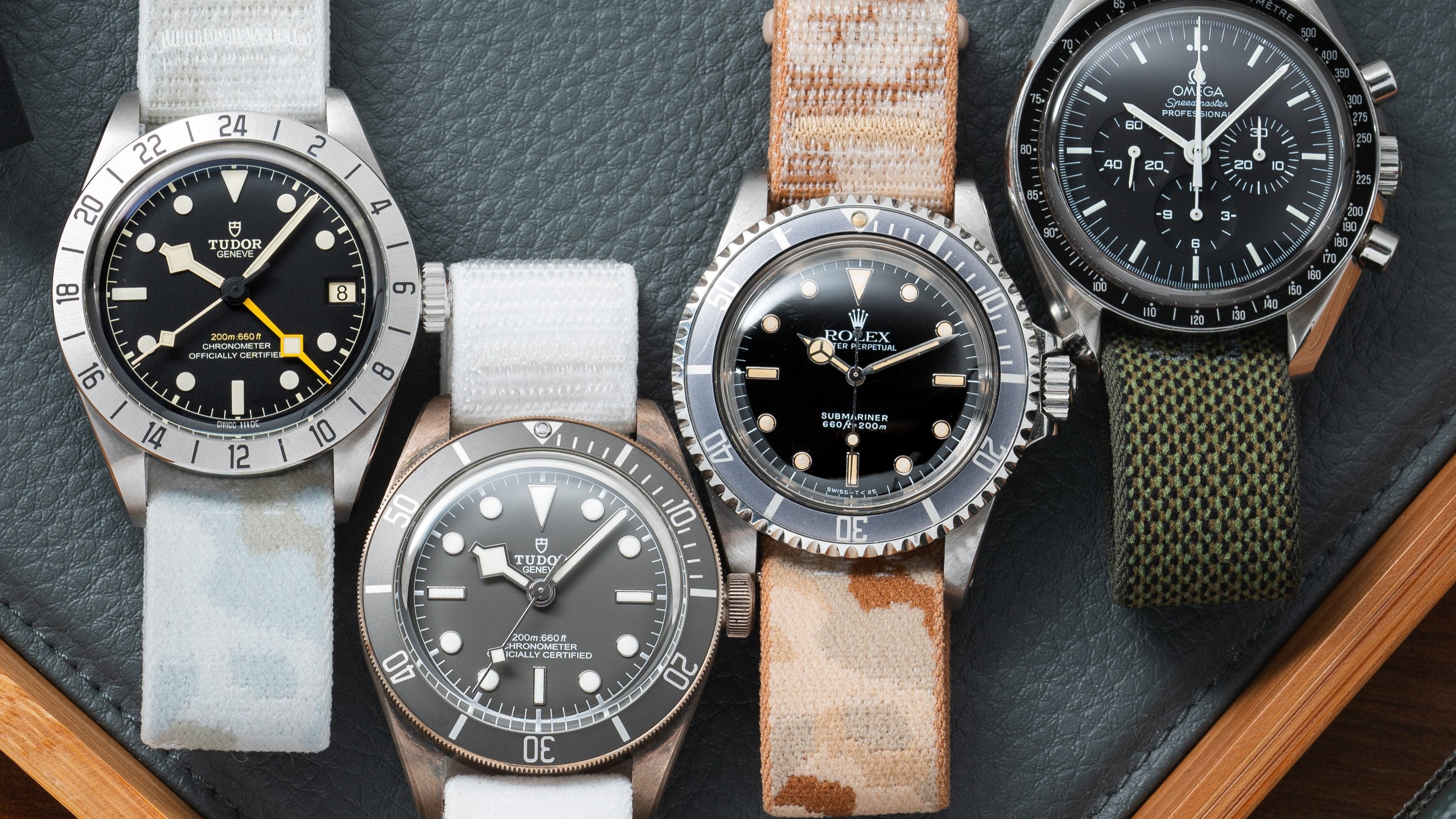
![Anthracite Hook Strap [kollokium x Delugs] - Image 2](http://delugs.com/cdn/shop/files/20250919-A7405309_298x298_crop_center.jpg?v=1761299094)
![Delugs Anthracite Hook Strap [kollokium x Delugs] Fabric Watch Strap](http://delugs.com/cdn/shop/files/Kollokium_straps_Anthracite_1_298x298_crop_center.jpg?v=1761299094)